



Vegas Pro
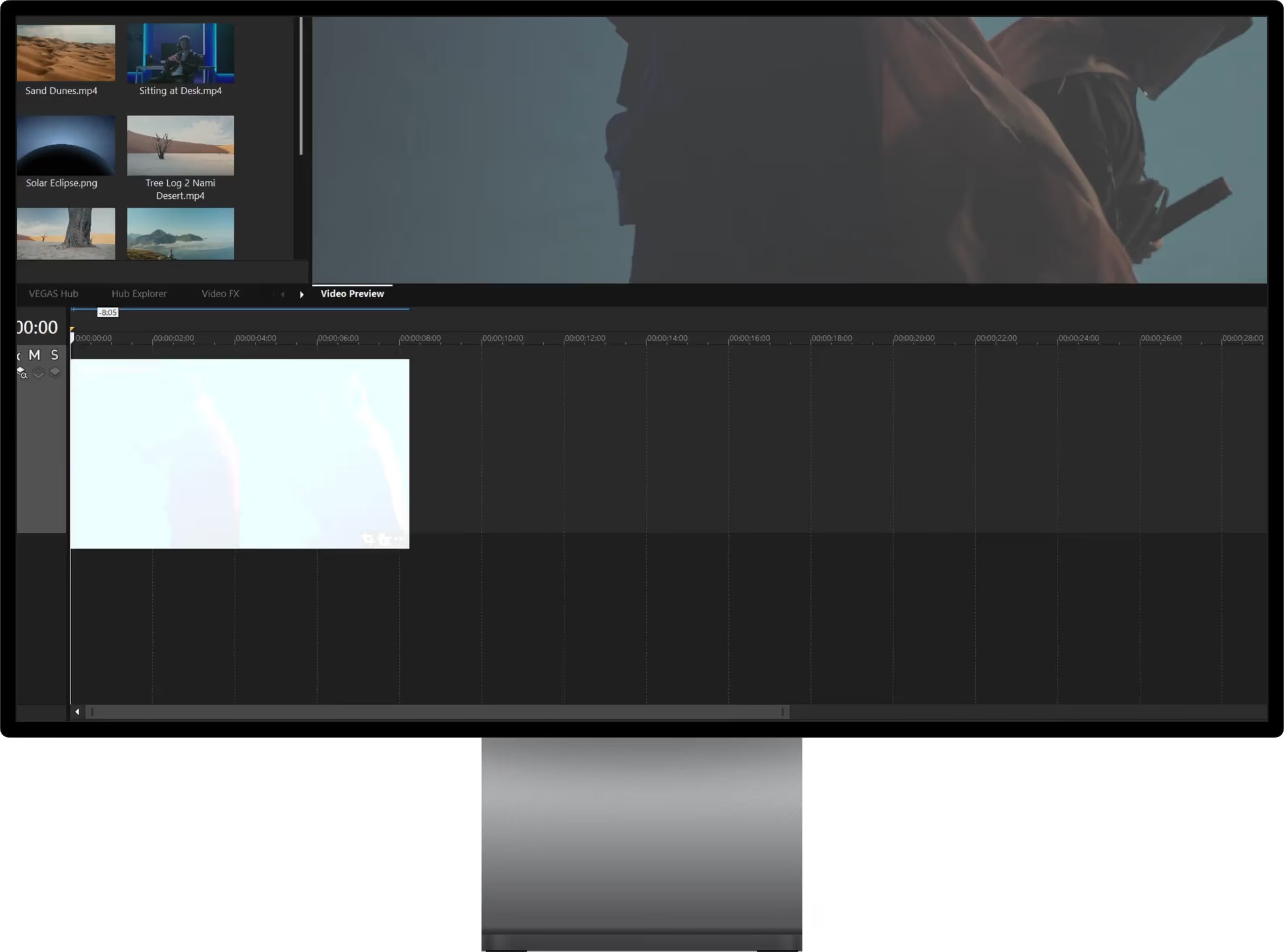
It’s about being bold. Doing things your way. That’s how you edit. Vegas Pro gives you fast, powerful, straightforward tools to bring your ideas to life.
Watch video
×

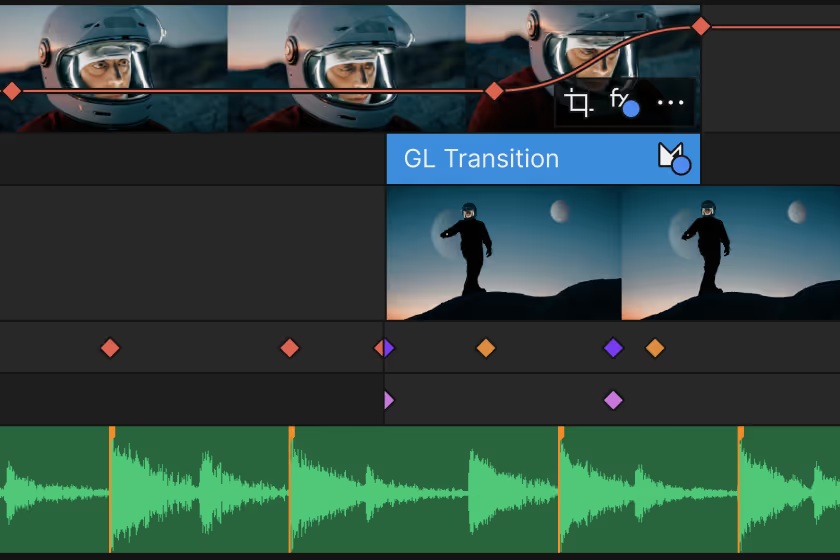
Effortless editing
Get started quickly and stay efficient with intuitive, easy-to-use tools.
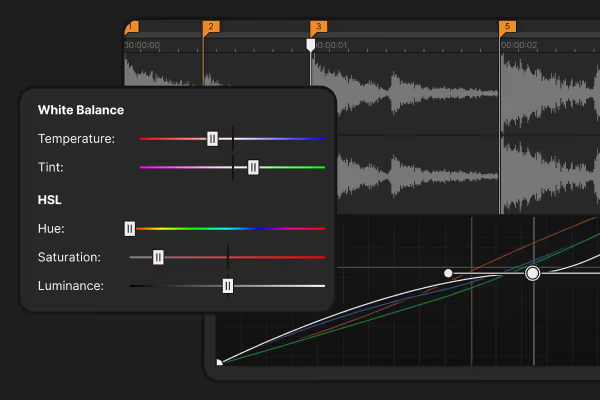
All-in-one power
Go beyond the basics with built-in tools that deliver the speed, control, and power you need.
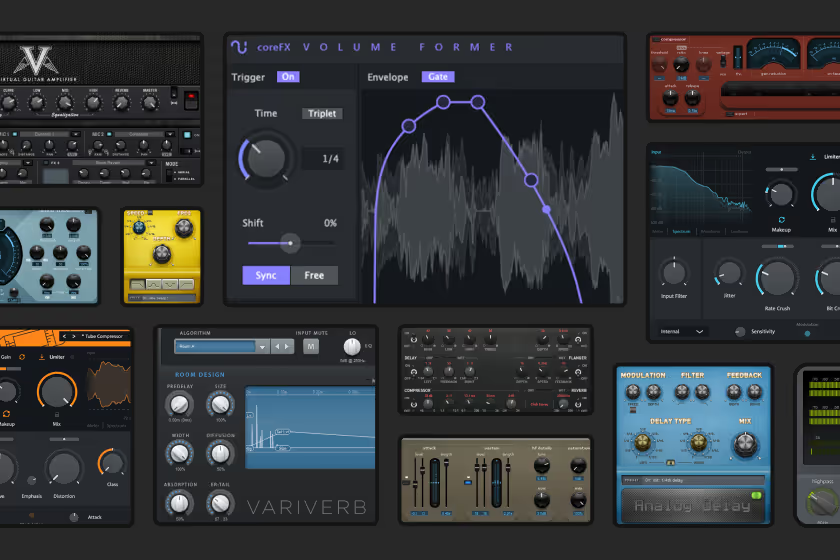
Advanced expandability
Push your creativity further with full support for third-party plugins and hardware.
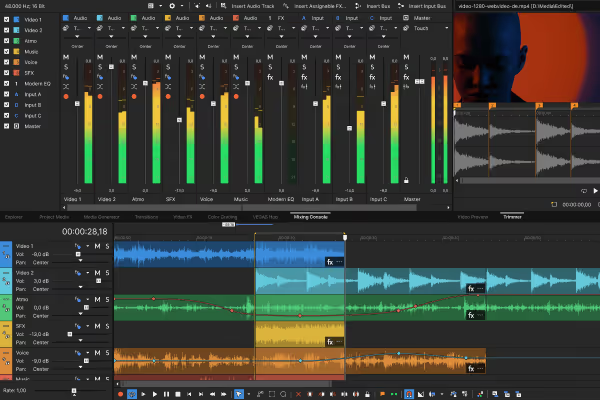
Integrated workflows
Your flow stays uninterrupted. No mode-switching, no momentum lost.<br>
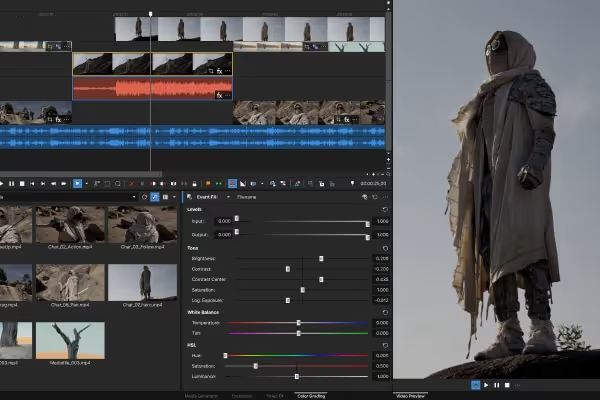
Unmatched flexibility
Design your ideal workspace. Save custom layouts and always work the way that suits you best.
Social content, ads or feature films. Vegas Pro’s got you.
Watch video
×
“So this ease of use of drag and drop that Vegas had even back in the days carries over to 15 years later and that’s still why I’m here in Vegas.”
Alex Acosta — Director

Watch video
×
Macgregor — Filmmaker
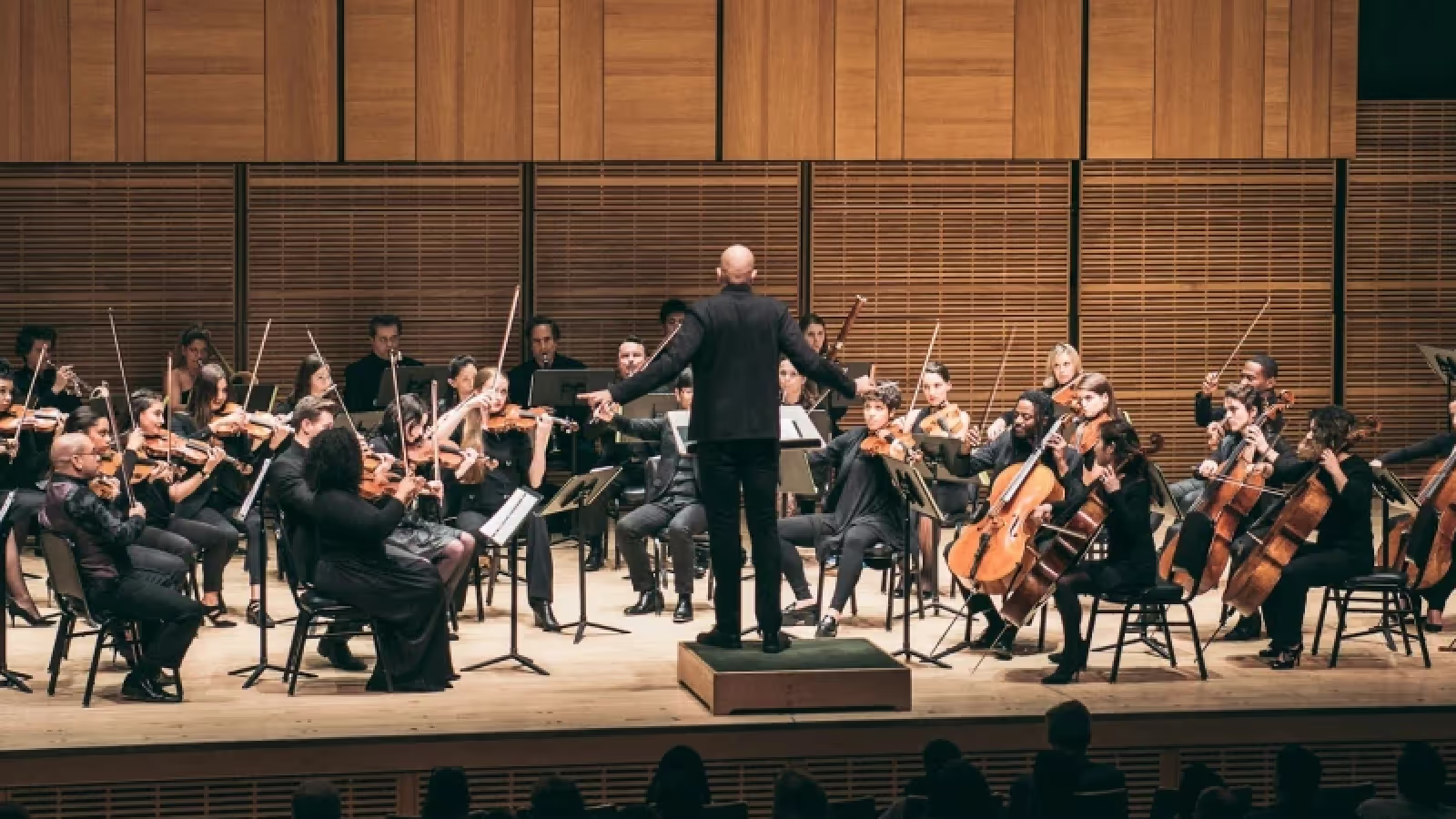
Watch video
×
Sean Hardaway — Filmmaker
Explore Vegas Pro

Vegas Core Engine
Fast, powerful, and built for precision. The Vegas Core Engine supercharges your editing process and delivers reliable color accuracy with smooth playback, even under pressure.
Push your limits. It’s ready for anything.
Vegas Pro 23 with Core Engine
Vegas Pro 22 (Build 22.XXXX)
*In a typical Color Grading workflow, frame rate increases from 45 FPS to 184 FPS. Results may vary.
up to 4x*
Perfect colors in record time
Work fast, trust your colors, and feel confident that the final look will match exactly what you had in mind.
Fluent preview playback
Accurately review your work with high preview framerates even under the heavy load of high-res media packed with video effects.
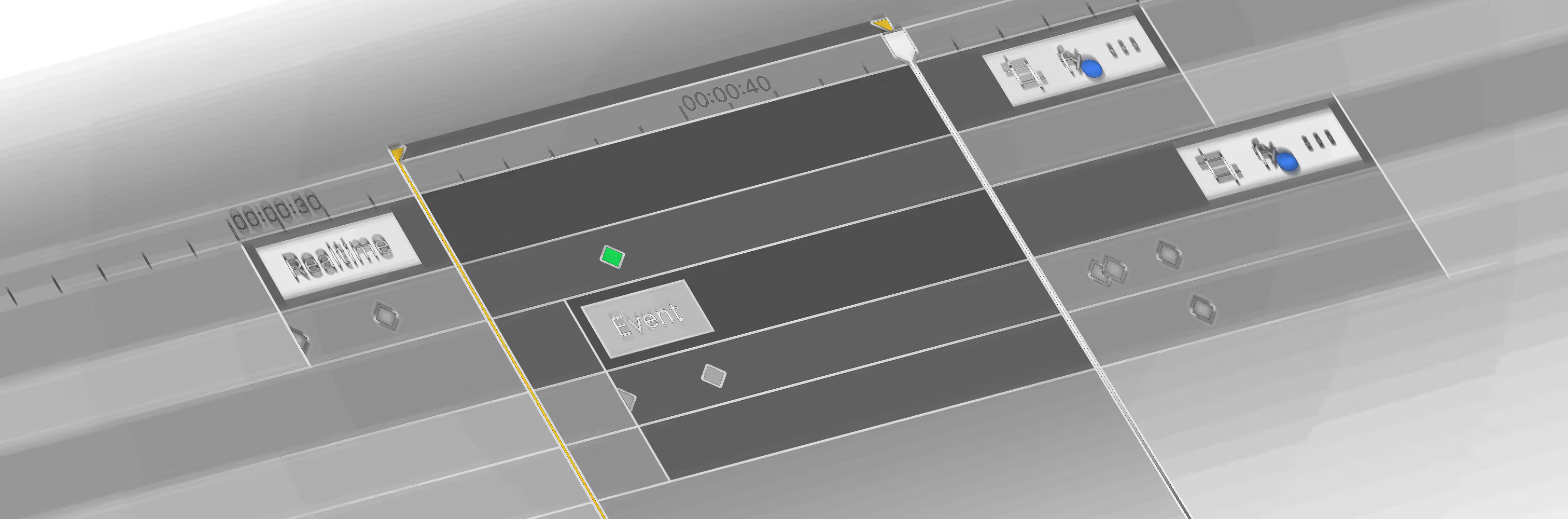
A super sleek interface keeps you in the zone
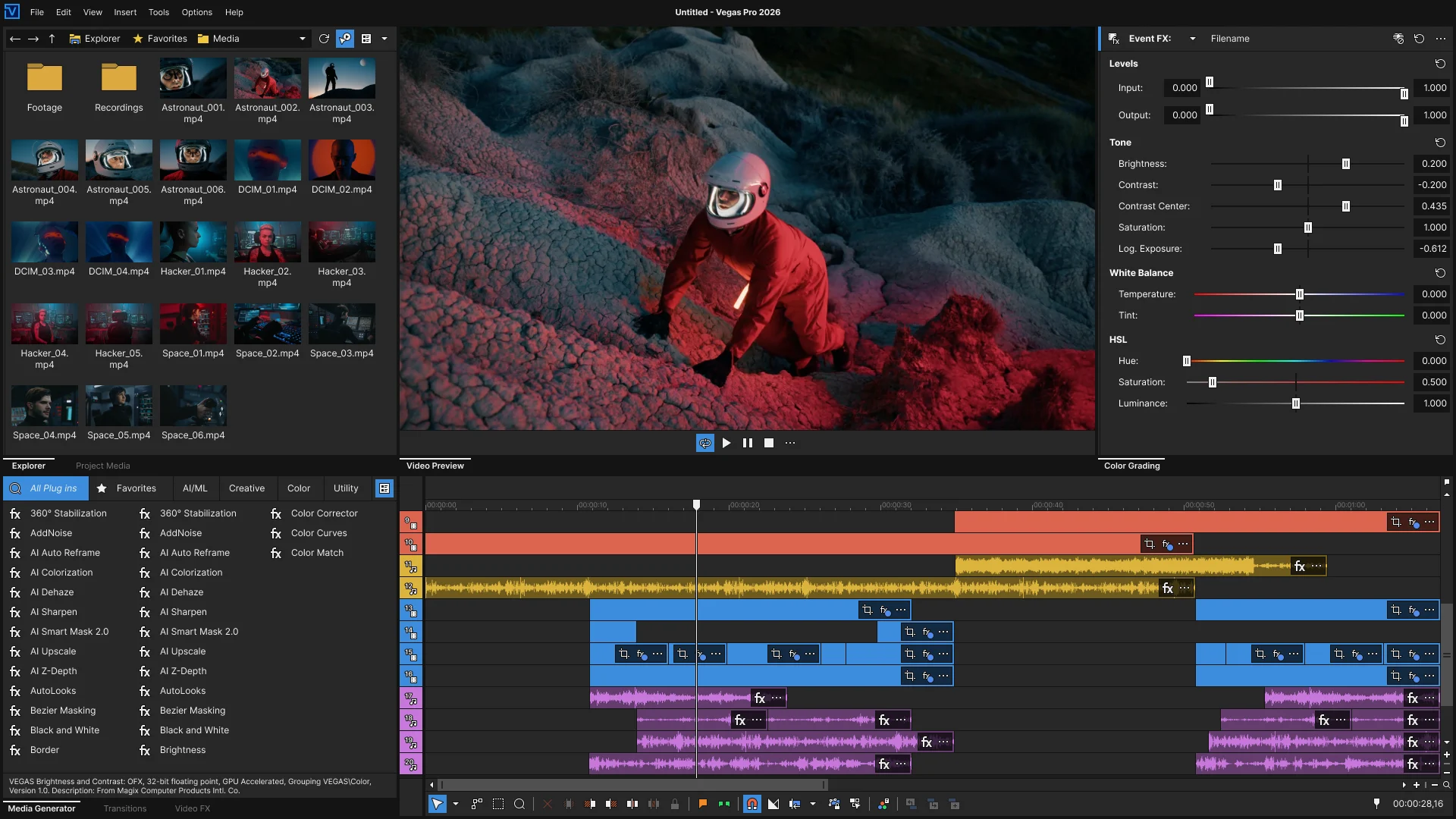
Thoughtful workflows for efficient editing
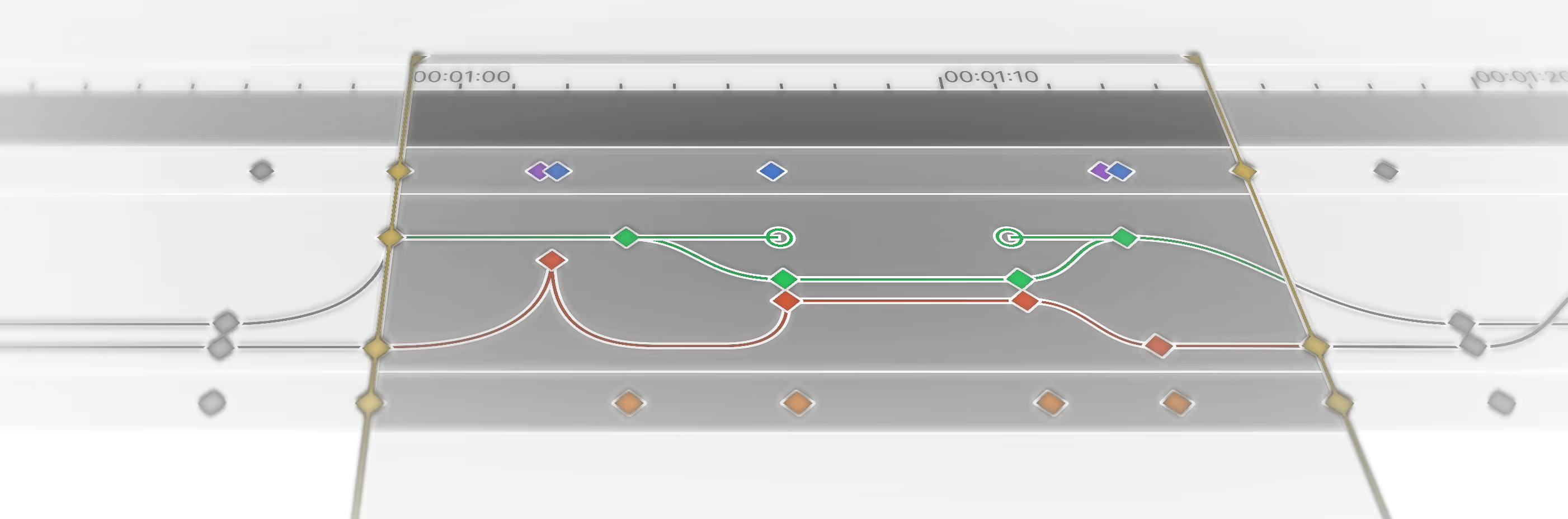
Video FX animation
Add keyframes and animate VFX settings intuitively without ever leaving your timeline. There’s no better way to control effects.
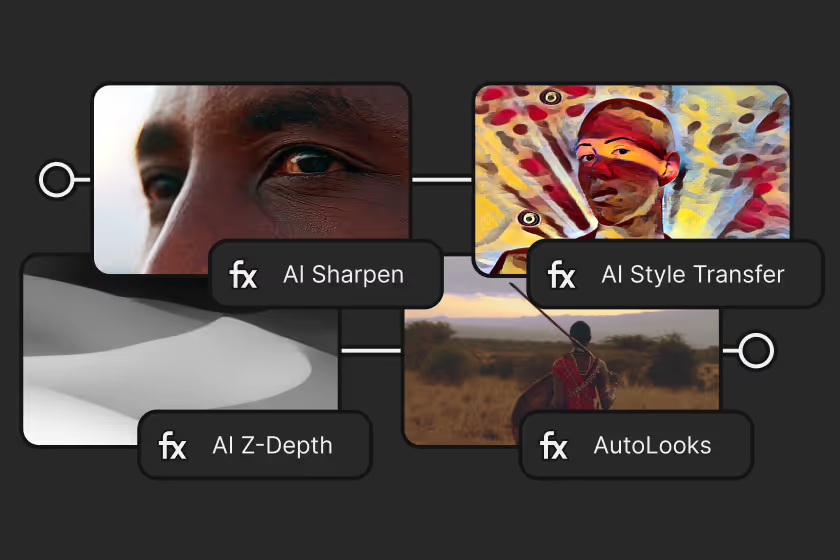
VFX Packages
Build complex effect chains, save them as reusable presets, and apply them anywhere across timelines or projects.
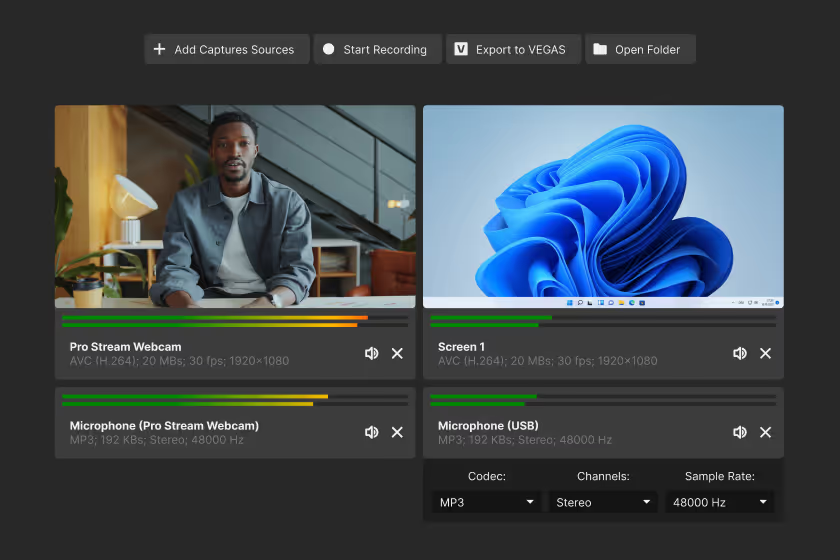
Vegas Capture 2.0
Capture gameplay, screen activity, webcam feeds, and audio from software players or microphones, all at once. Then drop everything into the timeline.
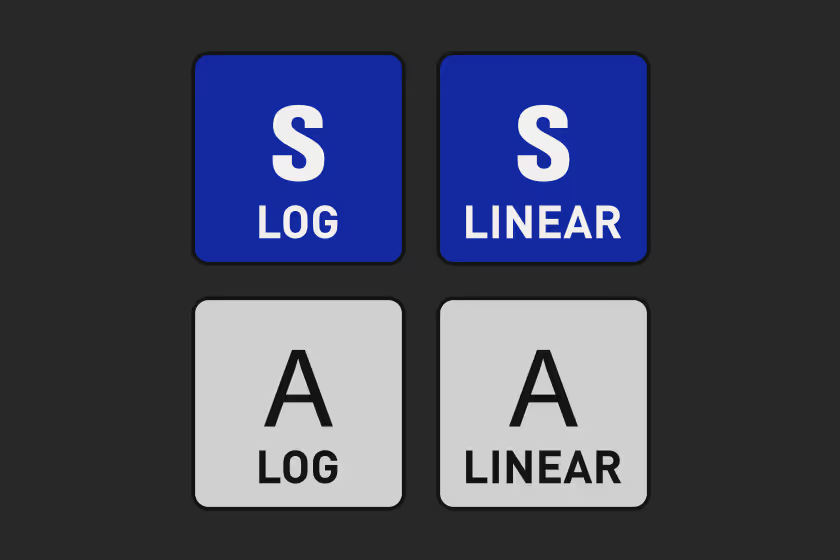
Mobile device Log LUTS
Make the most of footage from your Samsung or Apple device. Custom LUTs built for log video deliver the polish of high-end cameras.
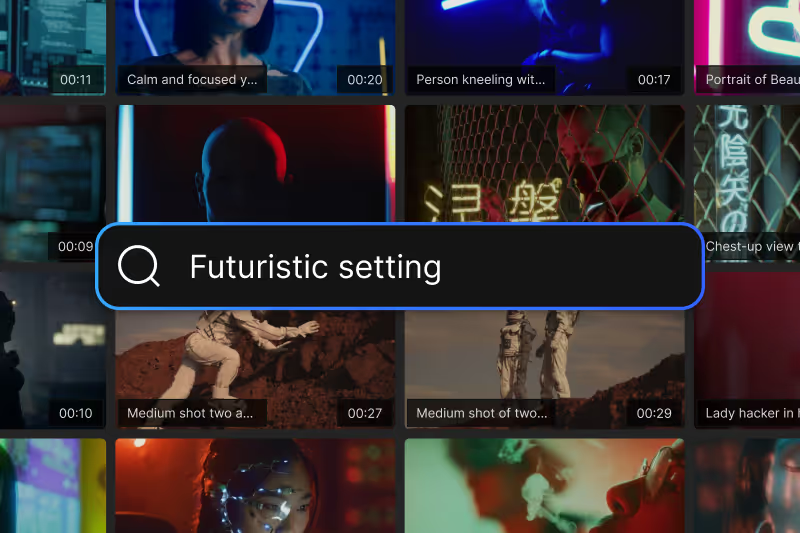
A world of content
Choose from thousands of royalty-free video and audio files for your projects. Need B-roll, sound effects, or a music bed? Quickly find the right media, drop it into your timeline, and get to work.
And loads more features
Vegas Pro gives you many more tools to help you do your best work. From everyday essentials to advanced features for professional editing. Explore the full feature set.

Vegas Pro AI

AI-powered.
Editor Approved.
AI in Vegas Pro isn’t about hype. It’s built with purpose. Every feature is carefully designed to speed up your workflow, simplify complex tasks, and open new creative possibilities. Always in service of your vision, never in control of it.
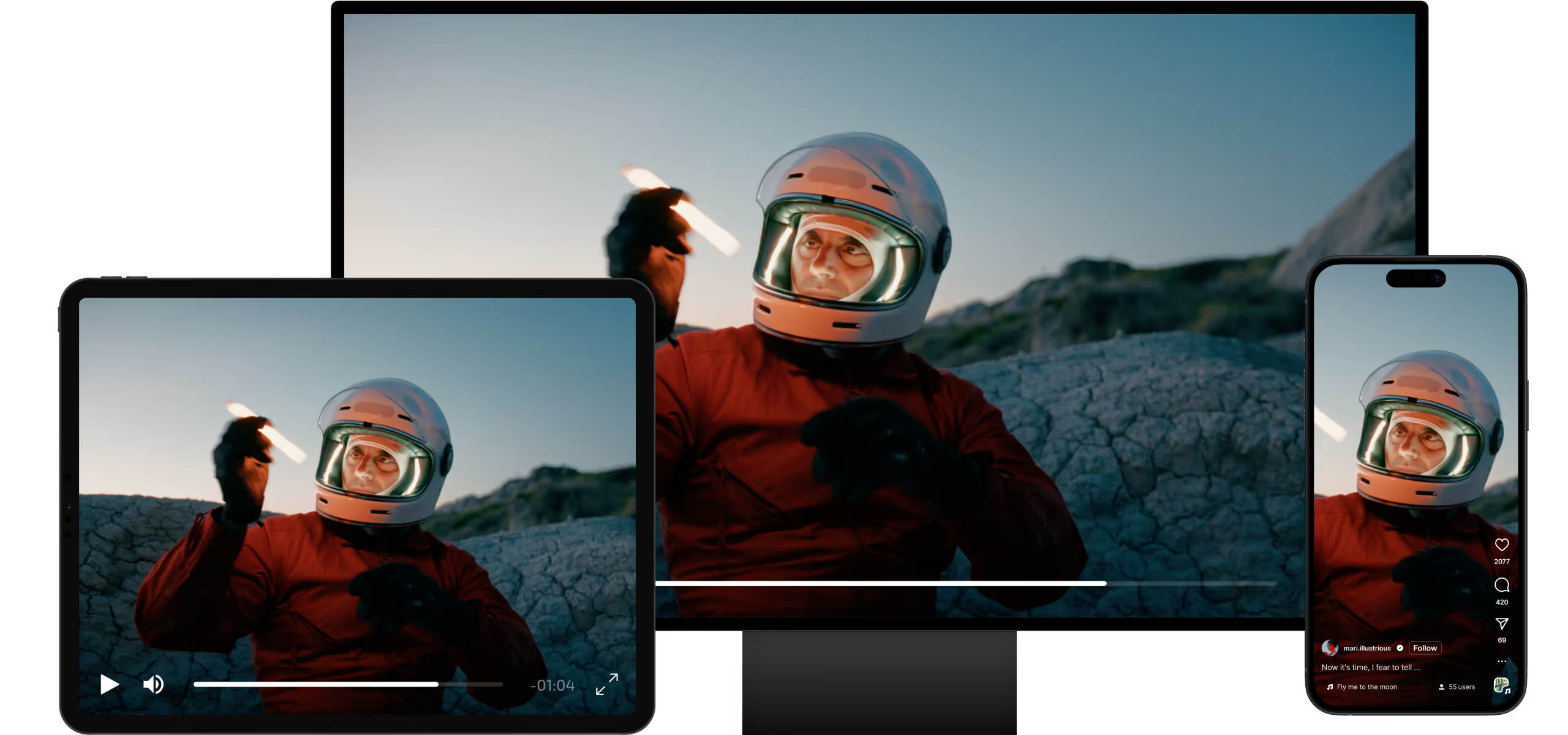
Reformat your video automatically
When you need to deliver the same video across multiple platforms, let AI handle the tedious part. It keeps your subject in frame as it reformats widescreen footage into vertical or square formats for every destination.
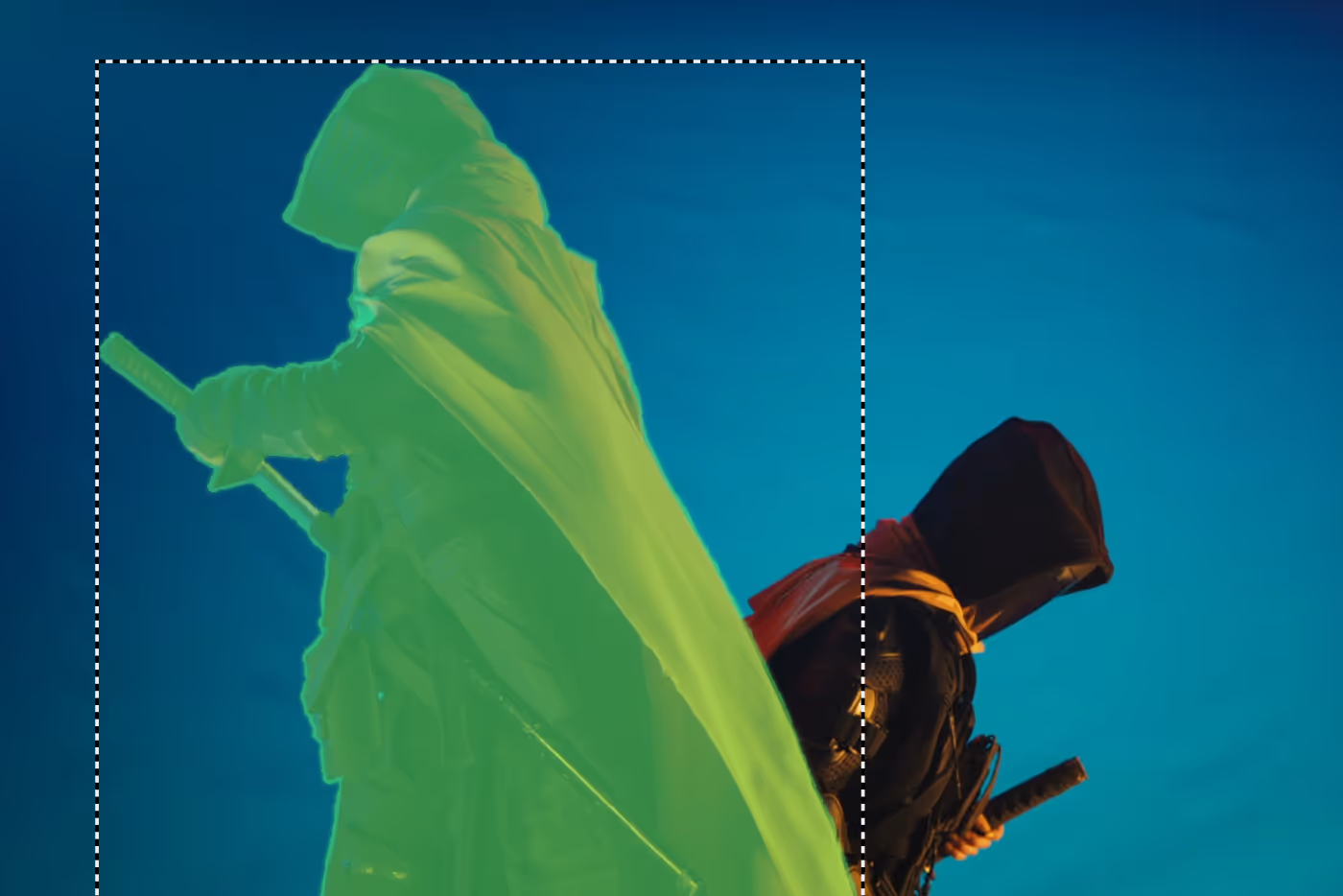
Smart Mask
Automatically identify key objects in your shot, create individual masks, and track their movement to isolate them with precision.
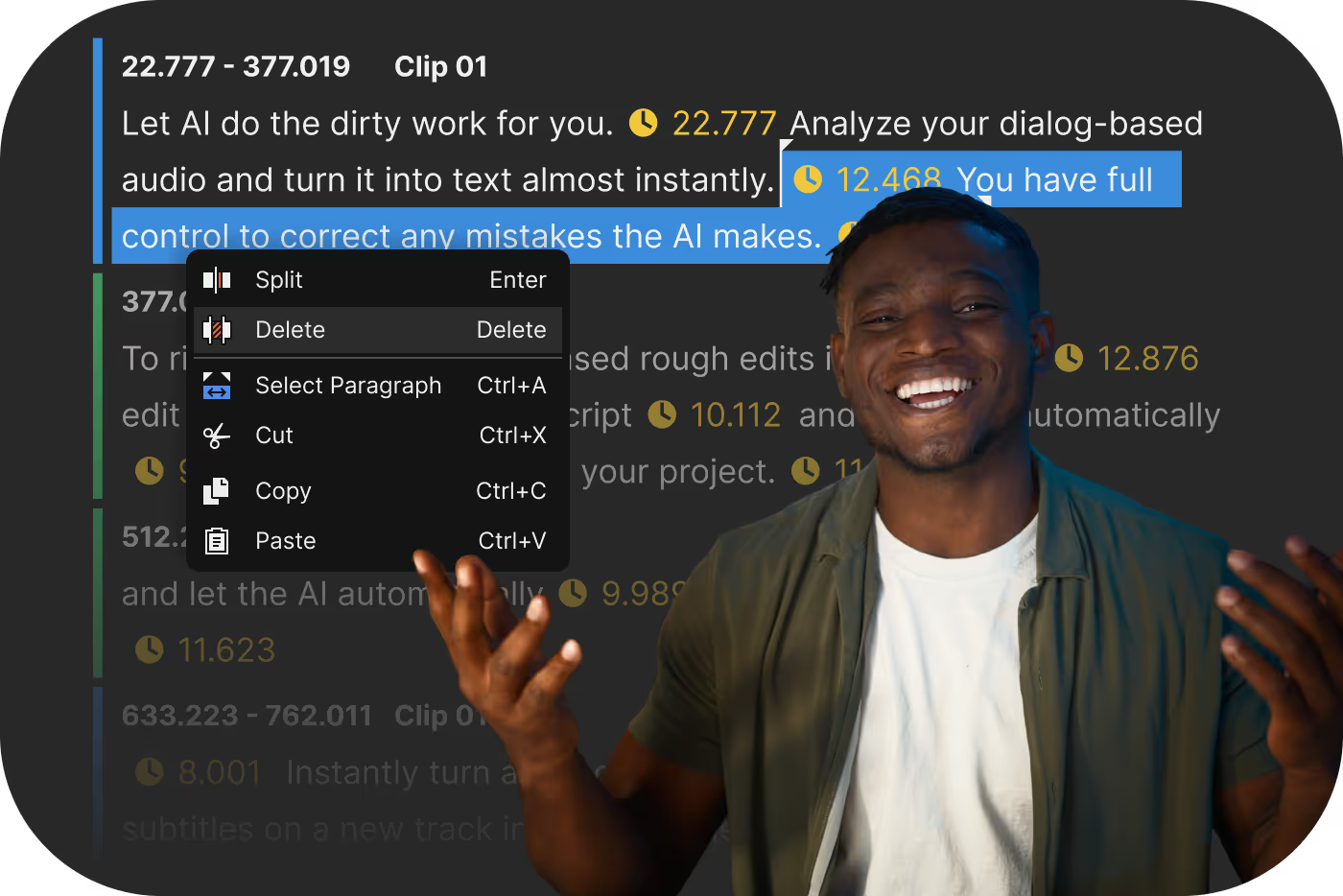
Text-based Editing
Generate an accurate transcript of your footage’s dialog, edit it like a text document, and watch those changes apply instantly to your video timeline.
Speech to Text
Input your text and choose from a wide range of natural-sounding male or female voices to generate convincing audio.
Automatically generate subtitles
Let AI create a transcript of your video, then turn it into timed subtitles directly on your timeline. Highlight each word as it’s spoken for dynamic, accurate captions. Perfect for social media and beyond.
Frequently Asked Questions
Download Vegas Pro, sign in with your Boris FX account, and start editing. No activation keys or complicated setup.
Yes. Start a free 15-day trial with full access to all features.
Yes. You can use your license on up to two computers, so you can edit wherever you work.
No. Just sign in and start editing — it’s that simple.
Our team is here for you. Reach out anytime or start a live chat on our website.